
Weekly Schedule Form
Some schedules are for a whole team, not just one person: who works which shift, which class is in which room, who has volunteered for Saturday, when the meeting room is free. These weekly schedule forms are designed to be filled in, posted on a noticeboard and signed off — with an Excel shift rota that adds up each person’s hours and flags anyone over their limit.
- Instant download
- Editable Word & Excel
- Print-ready PDF
- 7-day refund
7 files · DOCX, PDF, XLSX
Weekly Schedule Form Pack
Printable and editable weekly schedule forms: staff shift rota, Excel rota with hour totals, class timetable, volunteer sign-up, room booking, rotating chores and appointment slots.
- Shift rota (DOCX/PDF)
- Excel rota (XLSX)
- Class timetable (DOCX/PDF)
- + 4 more
$6.00 USD, one-time 7 files · about $0.86 each
- Instant download
- 7-day refund
- Secure checkout by Stripe
7-day money-back guarantee. Full refund within 7 days of purchase, even after you download.
Free sample: Staff Shift Rota (PDF, 50 KB)
Weekly Schedule Form Pack
Printable and editable weekly schedule forms: staff shift rota, Excel rota with hour totals, class timetable, volunteer sign-up, room booking, rotating chores and appointment slots.
- Shift rota (DOCX/PDF)
- Excel rota (XLSX)
- Class timetable (DOCX/PDF)
- Volunteer sign-up (PDF)
- Room booking (PDF)
- Chore rotation (PDF)
- Appointment slots (PDF)
Formats: DOCX, PDF, XLSX. Instant download after payment (link valid 72 hours, up to 5 downloads). AI-assisted: the templates were drafted with AI help and reviewed and laid out before publishing.
$6.00 USD, one-time 7 files · about $0.86 each
- Instant download
- 7-day refund
- Secure checkout by Stripe
7-day money-back guarantee. Full refund within 7 days of purchase, even after you download.
Free sample: Staff Shift Rota (PDF, 50 KB)
Full refund within 7 days — see the refund policy and license.
Free printables
Single sheets you can print right now, no sign-up. The full pack adds every sheet in one download plus the editable files.
 Printable Weekly Shift Rota1 page · free PDF
 Printable Weekly Schedule Form3 pages · free PDF
 Printable Class Timetable1 page · free PDF
 Printable Volunteer Sign-Up Sheet1 page · free PDF
 Printable Weekly Room Booking Form1 page · free PDF
 Printable Chore Rotation Chart1 page · free PDF
 Printable Appointment Slots Sheet1 page · free PDF
Schedule forms in the pack
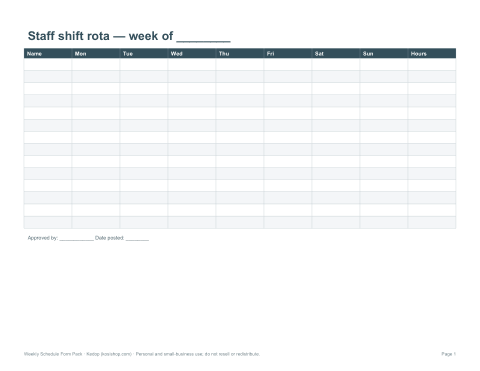
- Staff shift rota — names down the side, days across the top, shift times in each cell, with a manager sign-off.
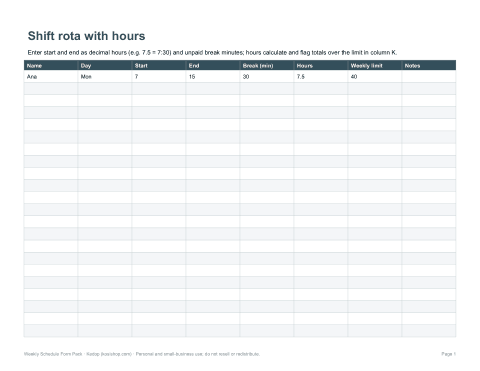
- Excel shift rota — enter start and finish times and unpaid breaks; weekly hours per person total automatically.
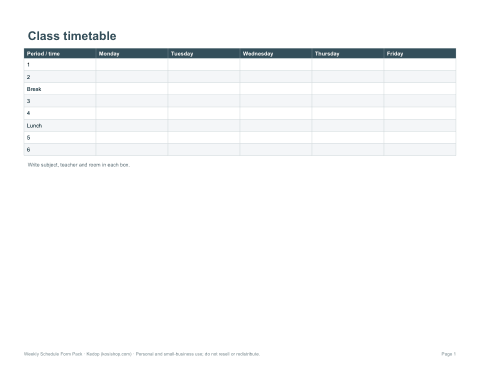
- Class timetable — periods and days with subject, teacher and room.
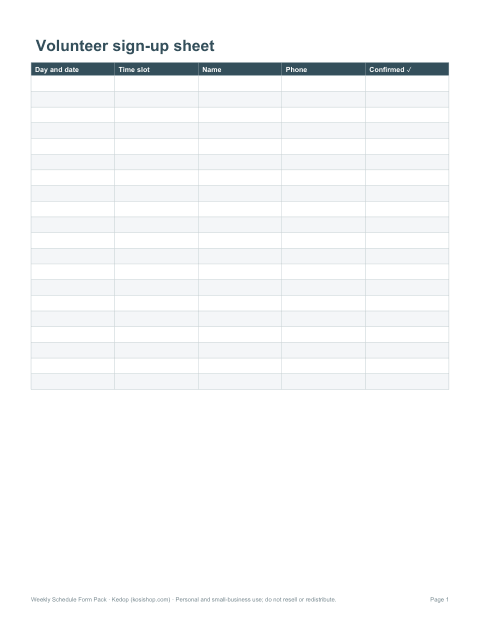
- Volunteer sign-up sheet — time slots per day with space for names and phone numbers.
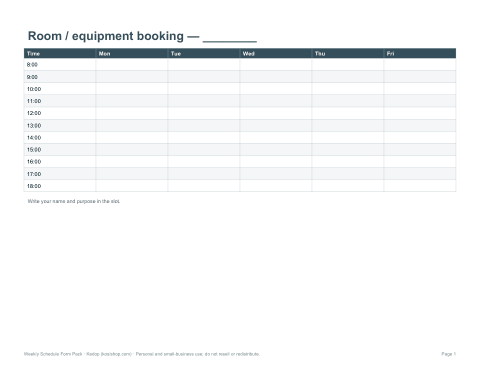
- Room or equipment booking form — hourly slots with booked-by and purpose columns.
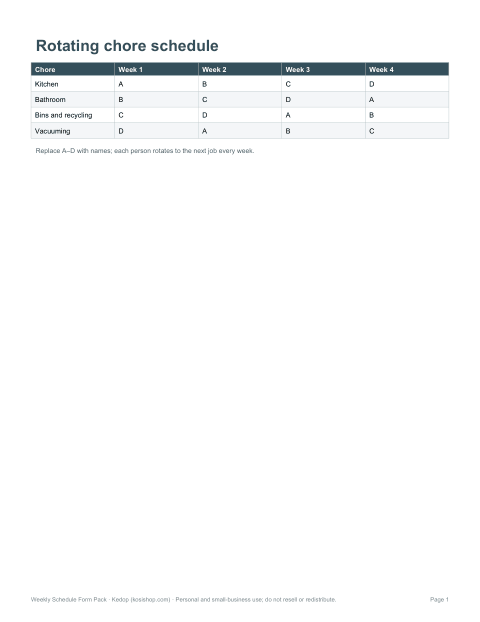
- Rotating chore schedule — household or office jobs that rotate between people each week.
- Appointment slot sheet — 15, 20 or 30-minute slots for clinics, tutors and salons.
Choosing the right schedule form
| You need to… | Use |
|---|---|
| Plan who works when in a shop, café or care team | Staff shift rota |
| Show students or parents a week of lessons | Class timetable |
| Collect names for time slots at an event | Volunteer sign-up sheet |
| Stop double-booking a shared room, van or projector | Room or equipment booking form |
| Share jobs fairly at home or in a shared office | Rotating chore schedule |
| Fill a day of appointments | Appointment slot sheet |
How to build a fair shift rota
- List everyone’s availability and contracted hours before you start.
- Fill the busiest shifts first with your most experienced staff.
- Spread weekend and late shifts fairly over the month.
- Check each person’s weekly total against their contract and legal limits.
- Allow enough rest between shifts — for example, avoid a late close followed by an early open.
- Post the rota as early as you can and note how to request swaps.
Working-time rules — such as maximum weekly hours, rest breaks and rest between shifts — vary by country and industry. Check the rules that apply to your staff.
Example: a small café rota
| Name | Mon | Tue | Wed | Thu | Fri | Sat | Sun | Hours |
|---|---|---|---|---|---|---|---|---|
| Ana | 7–15 | 7–15 | Off | 7–15 | 7–15 | Off | Off | 30 |
| Ben | Off | 11–19 | 11–19 | Off | 11–19 | 8–16 | 9–15 | 36 |
| Chloe | 11–19 | Off | 7–15 | 11–19 | Off | 8–16 | Off | 30 |
| Dev | Off | Off | Off | Off | 15–19 | 12–18 | 9–15 | 14 |
Hours here subtract a 30-minute unpaid break from each shift of six hours or more. The Excel rota does this automatically when you enter the break length.
Sign-up and booking forms that avoid confusion
- Show the date, not just the day, at the top of each form.
- Use one line per slot so two people can’t claim the same one.
- Ask for a phone number so you can confirm or cancel.
- Add a “cancelled” column rather than crossing out names.
- Keep a master copy and photograph the board at the end of each week.
Printing and posting
Print the forms on US Letter or A4 in landscape for wide rotas, or A3 for a staff-room noticeboard. Laminated copies work with dry-wipe pens for chore charts that change weekly. The Word and Excel versions let you type names in before printing or share the file digitally.
AI-assisted content
Templates and examples were drafted with AI assistance and reviewed before publishing. Check local employment rules when scheduling staff.
Frequently asked questions
What weekly schedule forms are included?
Staff shift rota, Excel rota with hours, class timetable, volunteer sign-up, room booking, rotating chores and appointment slots.
Does the Excel rota total hours?
Yes, it subtracts breaks and totals each person’s weekly hours.
Can I edit the forms?
Yes, Word and Excel versions are editable.
Can I print them for a noticeboard?
Yes, on Letter, A4 or A3.
Are the forms dated?
They are undated so you can reuse them every week.
Is this a subscription?
No, it is a one-time download.